Early Access — Limited to 200 Seats

Stop spending 5 hours
culling every shoot

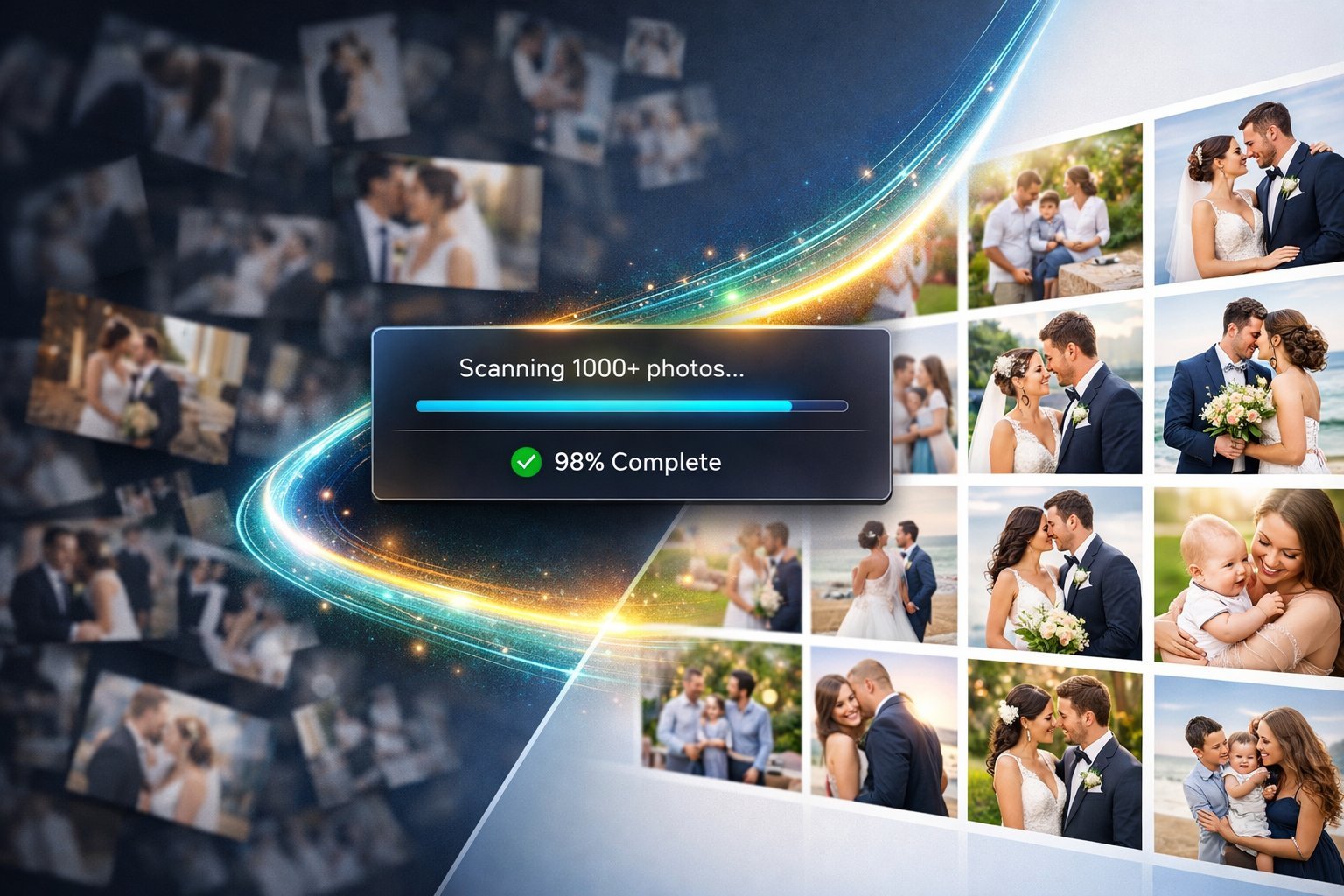
FrameSort uses AI to sort 1,000 wedding or event photos in under 5 minutes. Blur detection, auto-correction, best-pick selection — all in your browser. Zero uploads. Zero cloud costs. 100% private.

Try Free Demo — Sign Up Takes 10 Seconds
No credit card for demo Works on your browser Files never leave your device Razorpay secured payment

You're losing days every month
to manual culling

Every wedding, every event, every corporate shoot — the same exhausting ritual repeats.

4–6
Hours per shoot, just culling
Going through 800–1500 images one by one, deciding keep or delete, over and over again.
48+
Hours lost per month
If you shoot 8 events a month, that's over 2 full working days gone — just on photo selection.
Slower client delivery
Culling delays push your entire post-production. Clients wait longer. Your reputation suffers.
₹0
Earned during culling time
Time spent culling is time not spent shooting, editing, marketing, or sleeping. It earns nothing.

From upload to
results in seconds

Drop your photos. The AI analyses every frame and hands you back only what's worth keeping.

FrameSort — AI Photo Culling
Results
Good Photos 284
AI Edited 67
Best Picks 42
Rejected 23
Similar Groups 38
Shoot Report
393
keepers of 416
~69 min saved
vs manual culling
Good Photos 284 photos
Good
Best
Blur
Good
Best
Good
Good
Best
Try It Live — Sign Up Free
Live demo showing 416 photos processed — 393 keepers identified, 42 best picks selected, 69 minutes saved vs manual culling
Try It Live — Sign Up Free in 10 Seconds

Every feature a photographer
actually needs

🔍
Blur & Quality Detection
Laplacian variance analysis flags every soft, out-of-focus, or motion-blurred frame automatically. No more accidentally keeping blurry shots.
Auto
☀️
Exposure Correction
Detects over and underexposed photos and applies subtle, natural corrections — brightness, highlights, shadows, contrast. Not aggressive, just right.
Auto + Manual
Best Pick Selection
Groups near-identical shots (bride pose series, family portraits) and scores each one on sharpness, exposure, and brightness balance. Picks the winner.
AI Scored
🎨
Manual Editor with Sliders
Full-screen editor with split Before/After view. Brightness, contrast, highlights, shadows, warmth, tint, saturation, sharpness. Double-tap to reset any slider.
Non-destructive
📱
iPhone HEIC Support
Shoot on iPhone? HEIC and HEIF photos work natively. Also supports JPG, PNG and WebP from any camera or Android device.
All Formats
🗂️
Smart Categorisation
Every photo lands in Good, AI Edited, Best Picks, or Rejected. Duplicates detected separately. Trash bin for accidental deletes — everything recoverable.
Organised
📦
ZIP Export with Renaming
Download good_photos.zip, edited_photos.zip, best_picks.zip. Set a custom prefix (Wedding_2024) and files export as Wedding_2024_001.jpg automatically.
Client-Ready
🔒
100% Private — Zero Uploads
Everything runs in your browser. Your photos never touch a server. No cloud storage. No subscription required to keep your data private. Always.
Always Private

From 1,000 photos
to final selection

1
Choose your mode & drop photos
Pick Full Analysis, Quick Cull (just find bad photos fast), or Best Picks Only. Set a file naming prefix. Drop up to 1,000 photos. Hit Start.
⏱ 30 seconds
2
AI analyses every photo
Blur detection, exposure analysis, duplicate detection, similarity clustering — all processed in your browser simultaneously across the full batch.
⏱ 2–4 minutes for 1,000 photos
3
Review the results dashboard
Photos are pre-sorted into Good, Edited, Best Picks, Rejected. Open any photo full-screen to edit with sliders. Override any AI decision with one click.
⏱ 5–10 minutes review
4
Download ZIP files
Click to download good_photos.zip, edited_photos.zip, or best_picks.zip. Files have your custom names. Hand them straight to your editing software or client.
⏱ 1 minute
Total time: under 15 minutes
vs 4–6 hours doing it manually. That's a full working day back every week.

FrameSort vs
doing it manually

Task Manual culling FrameSort
Cull 1,000 photos4–6 hours~5 min
Detect blurry shotsVisual check, error-proneAutomatic, 100% coverage
Fix exposure issuesManual edit per photoAuto-corrected in batch
Choose best from 10 similar shotsZoom, compare, decideAI picks best, you confirm
iPhone HEIC photosConvert firstWorks directly
Photo privacyUploads to cloudStays on your device
Monthly cost₹0 but 48+ hours lostOne-time ₹1,499

Photographers who tried
the demo

Beta Tester
★★★★★
"I ran 200 photos from a Punjabi wedding through it. Found 18 blurry shots I would have missed, and the best-pick clusters saved me at least an hour on the reception sequence alone."
RK
Rajesh Kumar
Wedding Photographer, Delhi
Beta Tester
★★★★★
"The warmth and tint sliders are brilliant — so many of my indoor shots from halls come out too yellow. Fixed in seconds. The split view makes it obvious exactly what changed."
PS
Priya Sharma
Portrait & Event Photographer, Mumbai
Beta Tester
★★★★★
"I shoot corporate events — 600–800 photos every time. The Quick Cull mode is exactly what I needed. Just show me the rubbish, let me delete it, done. No faff."
AM
Arjun Mehta
Commercial Photographer, Bangalore
Early Access Offer — Ends Soon

One-time payment.
Own it forever.

No monthly subscriptions. No per-photo charges. Pay once, use FrameSort on every shoot for life.

54 seats remaining at this price
Starter
₹1,999
999
You save ₹1,000 · 50% off
For photographers just starting out or shooting occasional events.
  • Up to 500 photos per batch
  • Full Analysis, Quick Cull, Best Picks modes
  • Blur & exposure detection
  • Best pick clusters
  • ZIP export with custom naming
  • iPhone HEIC support
  • Manual editor with sliders
  • Priority future features
One-time · No subscription
Secured by
Razorpay · UPI · Cards · NetBanking · Wallets
🔒

Try before you buy — free

Every user gets one complete free session before spending a single rupee. Process a real batch of your own photos — see exactly how FrameSort performs on your shoots, your camera, your device. Only pay when you're convinced. All sales are final once you purchase — so we give you a full free session first, not a limited preview. No surprises.

Everything you want to know

Do my photos go to a server or cloud?
No. FrameSort runs entirely in your browser using the device's own computing power. Your photos are never uploaded anywhere. Nothing leaves your computer. This also means it works without an internet connection after the page loads.
Does it work with iPhone photos (HEIC)?
Yes. HEIC and HEIF files from iPhone are supported. They work natively on Safari. On Chrome and Firefox, they will be processed — though some very old phones may have compatibility issues. Standard JPG, PNG, and WebP from all cameras and phones work perfectly everywhere.
When is RAW (CR2, NEF, ARW) support coming?
RAW file support requires server-side processing — browsers cannot decode RAW files natively. We are actively building this as a server-based feature. Pro plan buyers get priority early access when it launches. For now, export JPEG copies from Lightroom or your camera software.
How does the AI select best picks?
Each photo scores 0–100 based on three factors: sharpness (50 points, measured via Laplacian variance), exposure quality (25 points — penalises over/underexposed images), and brightness balance (25 points — rewards tonal range). In each group of similar shots, the highest-scoring photo is selected as the Best Pick. You can override any selection manually.
This is pre-sale — what do I get now?
You get immediate access to the fully working browser-based tool right now — there is no wait. The "pre-sale" pricing just means we're offering 50% off the final price in exchange for early supporters. You can use the tool on your next shoot today.
What payment methods are accepted?
Payment is processed by Razorpay — India's most trusted payment gateway. You can pay via UPI (PhonePe, Google Pay, Paytm), credit/debit cards (Visa, Mastercard, RuPay), NetBanking from all major banks, or digital wallets.
Is this a subscription or one-time payment?
One-time payment, forever. No monthly fees. No annual renewals. Pay once and use FrameSort on every shoot for life. Pro plan includes all future updates at no additional cost.

Your next shoot is
in X days.

Will you spend 5 more hours culling manually — or 5 minutes with FrameSort?

23
Hours
:
47
Minutes
:
12
Seconds

50% off price expires when the timer hits zero

Free trial session included · Secured by Razorpay · One-time payment · All sales final